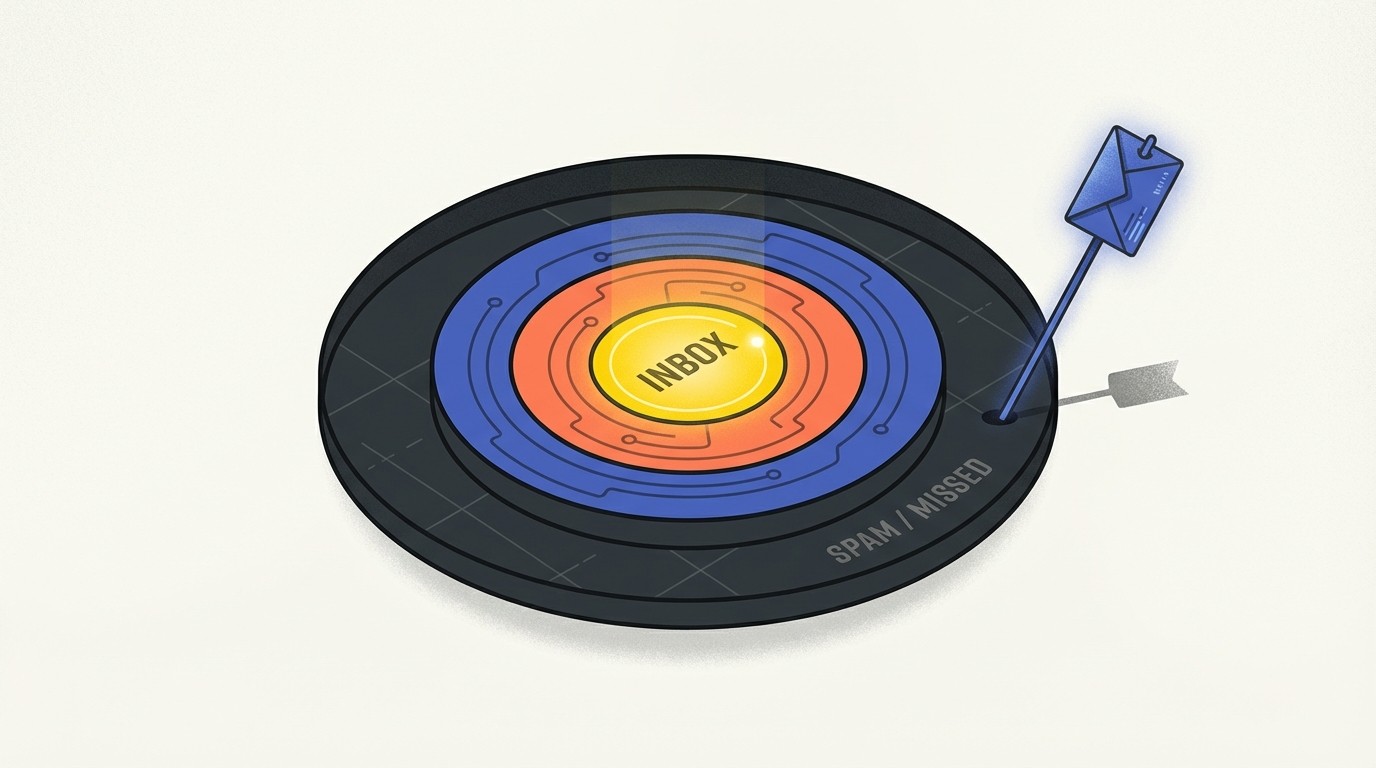
You wrote the perfect email. Compelling subject line. Personalized opening. Clear value prop.
Nobody saw it.
It landed in spam.
Email deliverability is the invisible gatekeeper of cold outreach. No matter how good your copy, if your emails don't reach the inbox, nothing else matters.
Why Emails Go to Spam
Spam filters have evolved far beyond simple keyword detection. Modern filtering uses machine learning to analyze patterns, reputation signals, and recipient behavior.
Understanding why emails get flagged is the first step to avoiding the spam folder.
The Main Culprits
1. Domain and IP Reputation
Every sending domain and IP address has a reputation score. Low reputation = spam folder.
Reputation is built (or destroyed) by: bounce rates, spam complaint rates, engagement metrics (opens, replies), and sending patterns.
2. Authentication Failures
Email authentication protocols verify you're who you claim to be. Missing or misconfigured authentication is a red flag.
3. Content Triggers
Certain patterns still trigger filters: excessive capitalization, too many links, image-to-text ratio problems, spam-associated phrases.
4. Recipient Behavior
If recipients consistently ignore, delete, or mark your emails as spam, providers learn that your messages aren't wanted.
The Technical Foundation
Before worrying about copy, nail the technical basics.
Email Authentication: The Trinity
Three protocols work together to authenticate your emails:
SPF (Sender Policy Framework)
Tells receiving servers which IP addresses can send email on behalf of your domain.
Setup: Add a TXT record to your DNS specifying authorized sending IPs.
DKIM (DomainKeys Identified Mail)
Adds a cryptographic signature to your emails, proving they weren't modified in transit.
Setup: Generate a key pair, add the public key to DNS, and configure your email provider to sign with the private key.
DMARC (Domain-based Message Authentication)
Tells receiving servers what to do if SPF or DKIM fail, and enables reporting.
Setup: Add a DMARC TXT record specifying your policy.
Recommendation: Start with p=none to monitor, then gradually move to quarantine and eventually reject as you verify everything works.
Domain Warmup
New domains have no reputation. Sending 10,000 emails from a fresh domain is a guaranteed spam folder trip.
Warmup Protocol:
Week 1: 10-20 daily: personal contacts, guaranteed replies
Week 2: 30-50 daily: warm leads, high engagement potential
Week 3: 75-100 daily: broader outreach, monitor metrics
Week 4: 150-200 daily: scale gradually, maintain quality
Week 5+: Increase 25-50% weekly: only if metrics stay healthy
Key metrics to monitor during warmup:
Bounce rate: Keep under 2%
Spam complaints: Under 0.1%
Open rate: Above 20%
Reply rate: Above 2%
If any metric degrades, slow down.
Dedicated vs. Shared IPs
Shared IPs: Your reputation depends partly on other senders. Cheaper, but less control.
Dedicated IPs: Your reputation is yours alone. Requires warmup, but gives full control.
Recommendation: For cold outreach, dedicated IPs are worth the investment once you're sending 50,000+ emails monthly.
How Outfound handles warm-up, dedicated IPs and domain safety is answered in our FAQ.
Content Best Practices
Technical setup gets you to the door. Content keeps you in the inbox.
Subject Line Hygiene
Avoid:
ALL CAPS or excessive capitalization
Multiple exclamation points!!!
Spam trigger words: "Free," "Act now," "Limited time," "Congratulations"
Misleading claims or clickbait
RE: or FWD: when it's not a reply/forward
Better practices:
Natural language that matches email body
Personalization where genuine
Questions or curiosity gaps
Recipient's name (sparingly)
Body Content Guidelines
Text-to-Link Ratio: One or two links maximum. More triggers filters.
Image-to-Text Ratio: Emails with only images often go to spam. If you use images, balance with substantial text.
HTML Complexity: Heavy HTML formatting raises flags. Plain text or simple HTML performs better for cold outreach.
Spam Phrases to Avoid:
"Click here"
"Act now"
"Limited time offer"
"Congratulations, you've won"
"No credit check"
"100% free"
"Make money fast"
Instead, write like a human. If your email sounds like marketing copy, rewrite it.
The Plain Text Advantage
For cold outreach, plain text often outperforms HTML:
Higher deliverability
Feels more personal (like a real email)
No rendering issues across clients
Faster to load
If you use HTML, keep it minimal. Simple formatting, no complex layouts.
List Hygiene
Dirty lists destroy reputation.
Email Verification
Before sending, verify every address. Invalid emails bounce, and bounces hurt reputation.
Verification catches:
Typos (gmial.com, yahooo.com)
Defunct addresses
Role-based addresses (info@, sales@)
Spam traps
Tools: ZeroBounce, NeverBounce, Hunter.io verification
Remove Risky Addresses
Hard bounces: Remove immediately. Never email again.
Soft bounces: Retry once. If still bouncing, remove.
No engagement (90+ days): Consider removing or moving to re-engagement campaign.
Spam complainers: Immediate removal. Required by law in most jurisdictions.
Spam Trap Types
Pristine traps: Email addresses that were never valid for real users. Created specifically to catch scrapers.
Recycled traps: Abandoned addresses repurposed as traps after inactivity.
How to avoid:
Never buy lists
Use double opt-in for inbound
Regularly clean inactive addresses
Verify all addresses before sending
Sending Patterns
How you send matters as much as what you send.
Volume Consistency
Sudden spikes trigger filters. If you normally send 100 emails daily and suddenly send 5,000, expect problems.
Rule: Never increase volume by more than 50% day-over-day.
Time-Based Patterns
Avoid:
Sending entire campaigns in single bursts
Identical send times across all recipients
Middle-of-the-night sends (local time)
Better:
Stagger sends throughout the day
Vary send times slightly
Respect recipient time zones
Day-of-Week Considerations
Data shows Tuesday through Thursday delivers the best engagement. Monday mornings face inbox overflow; Friday afternoons face weekend brain.
But consistency matters more than perfection. A reliable Tuesday-Thursday schedule beats random timing.
Monitoring and Recovery
Key Metrics to Watch
Bounce Rate:
Healthy: Under 2%
Warning: 2-5%
Critical: Above 5%
Spam Complaint Rate:
Healthy: Under 0.1%
Warning: 0.1-0.3%
Critical: Above 0.3%
Open Rate (relative to baseline):
Sudden drops indicate deliverability issues
Compare week-over-week, not absolute numbers
Reputation Monitoring Tools
Google Postmaster Tools: See how Gmail views your domain
Microsoft SNDS: Reputation data for Outlook/Hotmail
MXToolbox: Check blacklists and authentication
Sender Score: Overall reputation score
Recovery Protocol
If you've landed in spam purgatory:
Stop sending immediately: continuing to send with poor reputation digs a deeper hole.
Diagnose the problem: check authentication (SPF, DKIM, DMARC), review bounce and complaint rates, analyze recent content changes, check blacklists.
Clean your list aggressively: remove anyone who hasn't engaged in 60 days.
Start fresh with engaged contacts: restart warmup, sending only to people likely to engage.
Gradually rebuild: follow warmup protocol, monitoring metrics closely.
Recovery timeline: Expect 2-4 weeks minimum to restore reputation.
The Engagement Loop
Long-term deliverability depends on engagement. Spam filters watch what recipients do with your emails.
Positive signals:
Opens
Replies
Forwards
Adding to contacts
Moving from spam to inbox
Negative signals:
Deleting without opening
Marking as spam
Consistent ignoring
Strategy: Prioritize quality over quantity. Better to send 100 emails that get 10 replies than 1,000 emails that get 5.
Conclusion
Deliverability isn't glamorous, but it's foundational. The best copy in the world means nothing if it never reaches the inbox.
Invest in the technical setup. Maintain clean lists. Send consistently. Monitor religiously.
Do these things, and your emails will actually get seen.
Then you can worry about whether the copy is any good.
Sources: Mailchimp deliverability guide, SendGrid authentication documentation, Validity sender reputation research, Google Postmaster Tools best practices